Open the drawing. Measure it. Print it to scale.
A DXF viewer that shows the drawing the way CAD wrote it — layers, layouts, dimensions, hatches and text. And the Finder finally gets Quick Look and thumbnails for .dxf, and previews for .dwg.
Free · macOS 14 Sonoma or later · Apple silicon and Intel
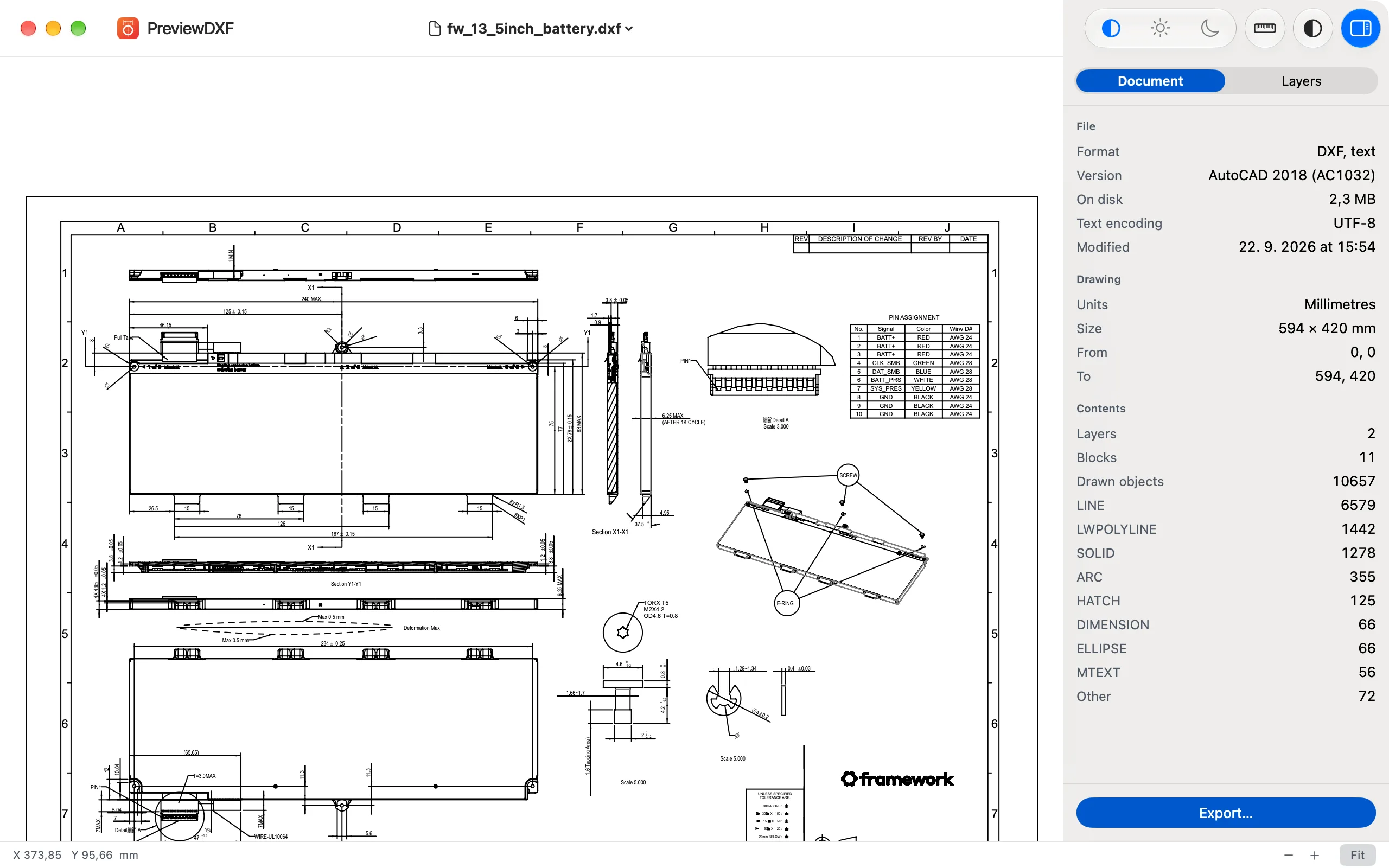
Everything you open a DXF for — without a CAD licence.
For the drawing someone sent you, the part before it goes to the laser, the archive full of files nobody can open any more.
Quick Look and thumbnails
Press Space in the Finder and the drawing is there; icons show what is inside. A .dwg shows the preview AutoCAD saved in it.
Layers and layouts
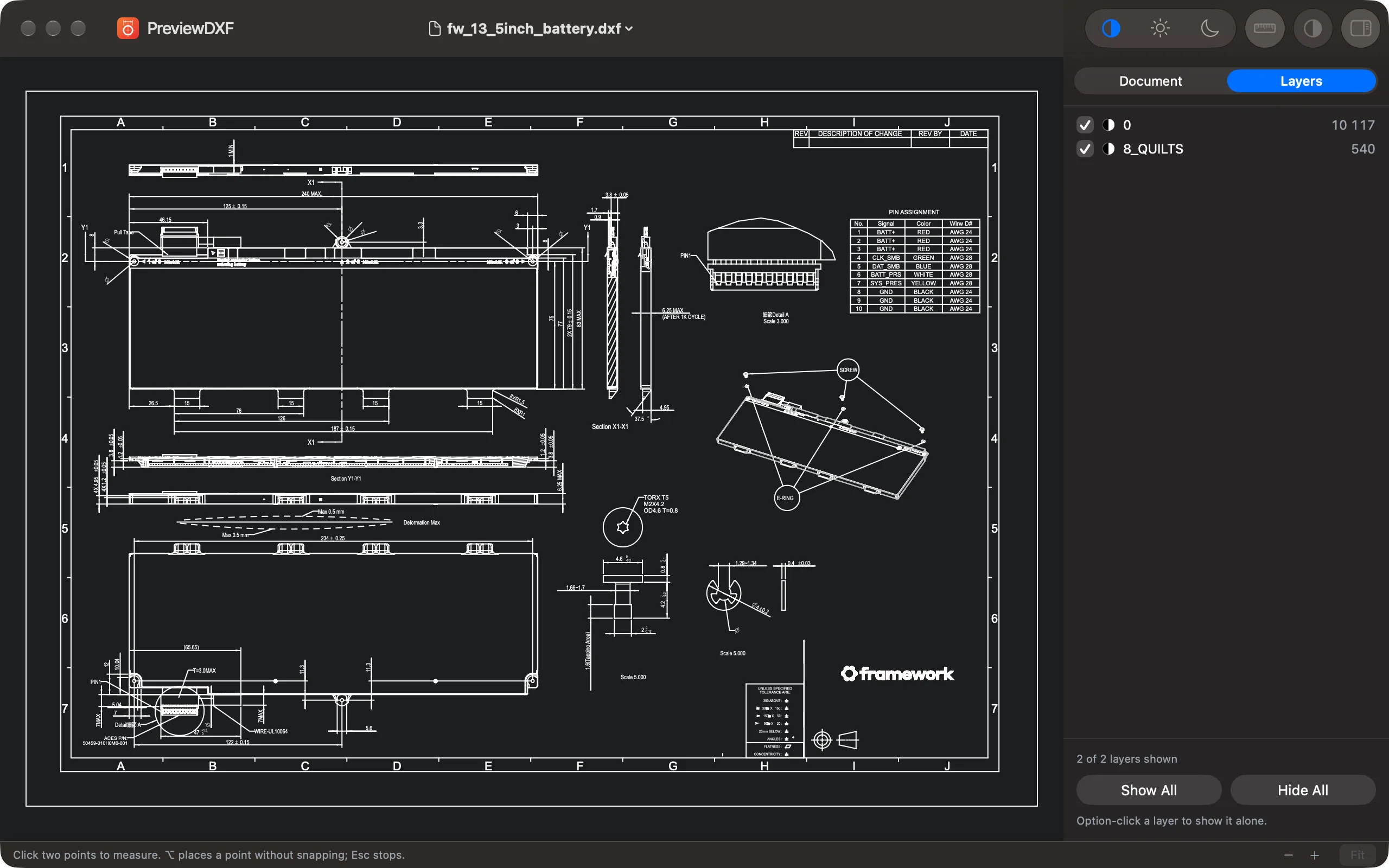
Switch layers on and off or look at one alone. Move between model space and every paper layout, viewports included.
PDF at true scale, PNG, SVG
Vector PDF at 1:1 when the file knows its units, or fitted on A3. SVG keeps each layer as a layer; PNG goes up to 8000 px.
Print at real size
Fit it on the page, or print 1:1 — a drawing larger than the paper runs over several sheets.
Reads what CAD writes
R12 to 2018, text or binary: blocks, dimensions, hatches, multileaders, text in any code page. Tested on 912 drawings from 20 sources.
Light, dark, monochrome
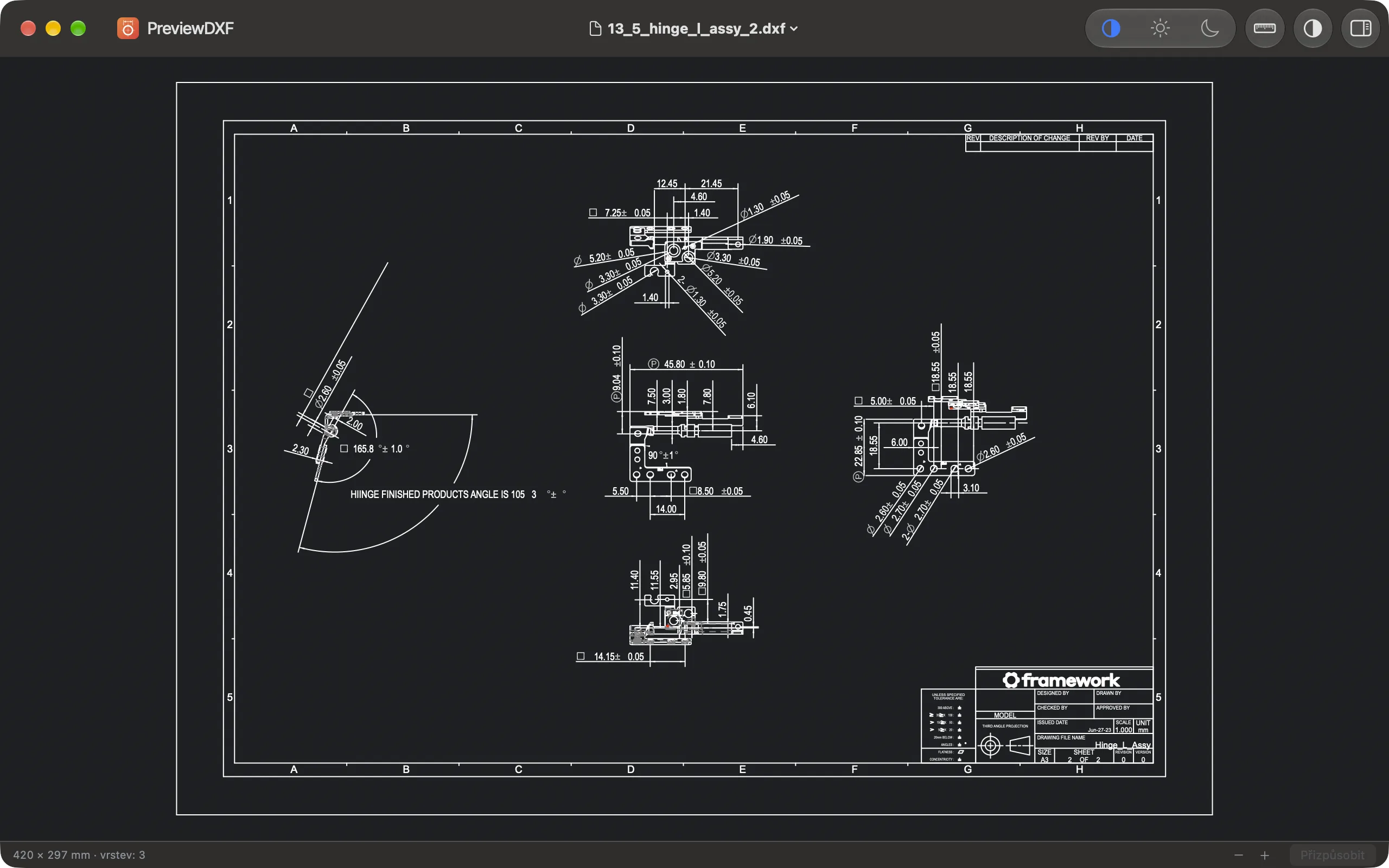
The canvas follows the system or your choice. Colours too faint for the background are lifted, so every line stays visible.
Two clicks. Exact numbers.
The pointer snaps to end points, midpoints, centres, quadrants, nodes and insertion points, each with a marker of its own shape. The status bar gives the distance, ΔX, ΔY and the angle in the drawing's own units.
Made for checking a part before it is cut, not for redrawing it.
Light, dark, and every layer
Real windows, real drawings.
What goes in, what comes out
| # | Format | What PreviewDXF does |
|---|---|---|
| 1 | DXF | Opens, measures and prints it — text and binary, R12 to 2018 |
| 2 | DWG | Finder thumbnail and Quick Look, from the preview stored in the file |
| 3 | Vector export, at 1:1 or fitted on A3 | |
| 4 | SVG | Vector export, layers kept as layers, size in millimetres |
| 5 | PNG | Up to 8000 px, on white, dark or transparent |
DWG files are previewed, not opened: PreviewDXF shows the picture the CAD program saved inside them.
Free. Forever.
No account, no subscription, no network. The drawing never leaves your Mac.
From the maker of PreviewSVG, PreviewMD and Preview3D.